Free Delivery & Return
 365-Day Returns
 10 Million Happy Customers
 500,000 Products in Stock

How to Set Up a Perfect Home Office
Reviewed by the Beliani Content Team · Updated November 2026
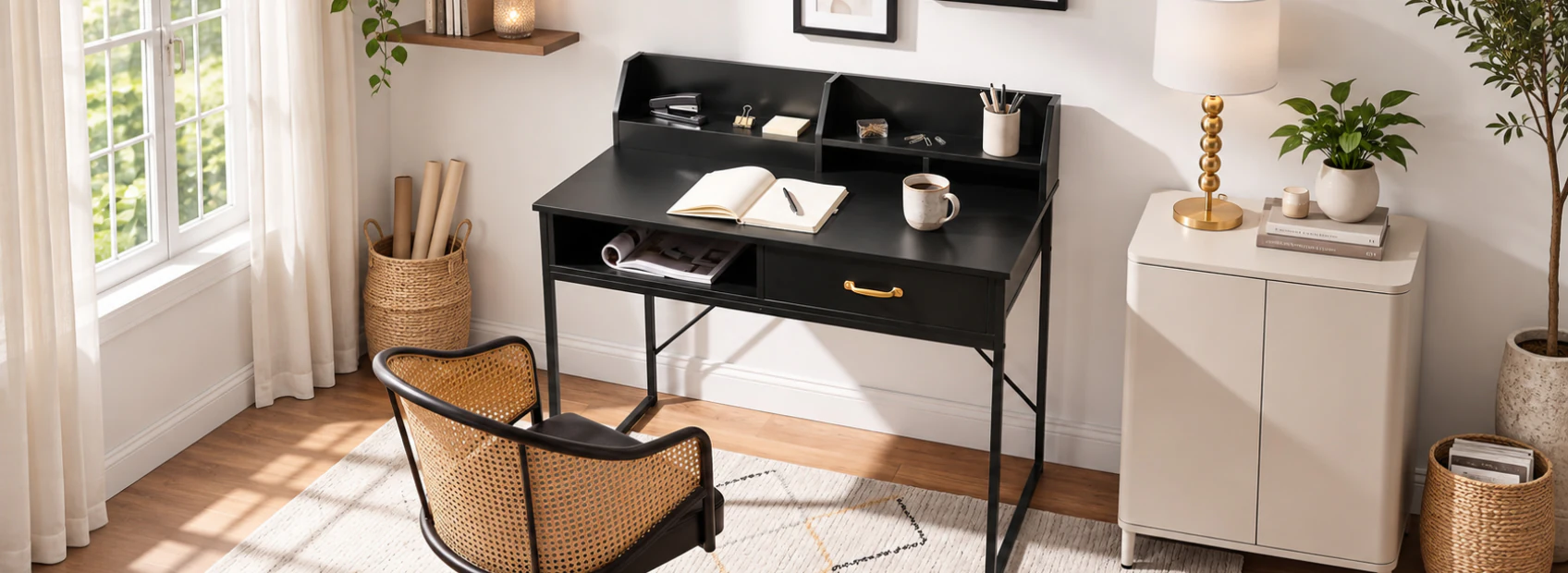
Not everyone setting up a home office has a spare room to dedicate to it. Most people carve out a corner of the living room, a spot in the bedroom or a desk tucked into a small flat, and that space still needs to work as well as a dedicated study. This guide covers how to choose the location, pick a desk and chair that fit the space, set up an ergonomic working position, and keep the area organised, quiet and comfortable.
On this page
In short
What makes a good home office setup?
A home office needs four things to work well: a spot with decent light that's away from household noise, a desk deep enough for your screens (at least 60 cm for one monitor, 70-80 cm for two), an adjustable chair with lumbar support, and a few minutes spent on the ergonomic basics: feet flat, elbows at roughly 90 degrees and the top of the screen at eye level. The right size and type of desk and chair depend mainly on how much space you have and whether you work from a laptop, one monitor or two.
- Available space: a corner, an alcove or a whole spare room changes which desk and storage fit
- Number of screens: one monitor needs a narrower desk than two
- How long you sit each day: daily full-time use justifies an adjustable desk and a proper office chair, occasional use does not
Where's the best spot for your home office?
A few basics decide whether a spot works for a full day of focus, whether it's in a spare room, a living room corner or a bedroom.
- Natural light: a spot beside a window is ideal for energy and mood, but see the screen-glare tip below
- Noise and traffic: avoid the main household thoroughfare, the kitchen or the TV area where possible
- Separation from the rest of the room: a dedicated zone helps your brain switch between work and leisure, especially in a bedroom or living room
- Connectivity: check the Wi-Fi signal at the spot itself, since router distance matters more than people expect
- Background for calls: a plain wall, a shelf or a plant behind you looks more professional than an unmade bed
Tip
Position the screen side-on to the window rather than facing it or with your back to it. Facing the window causes glare on the screen, and sitting with your back to it puts you in silhouette on video calls.
Underused spaces worth considering
If there's no obvious free room, these spots are easy to overlook.
A recess beside a chimney breast or in a hallway often fits a narrow desk without blocking the room.
A wide landing or stair turn can hold a compact desk if it doesn't block the route past it.
The space under a staircase suits a shallow desk, though headroom usually limits it to a laptop setup.
A wardrobe cleared out and fitted with a fold-down shelf turns into a desk that closes away completely.
A window bay or deep sill gives natural light and a sense of separation without taking up floor space elsewhere.
How do you choose the right desk?
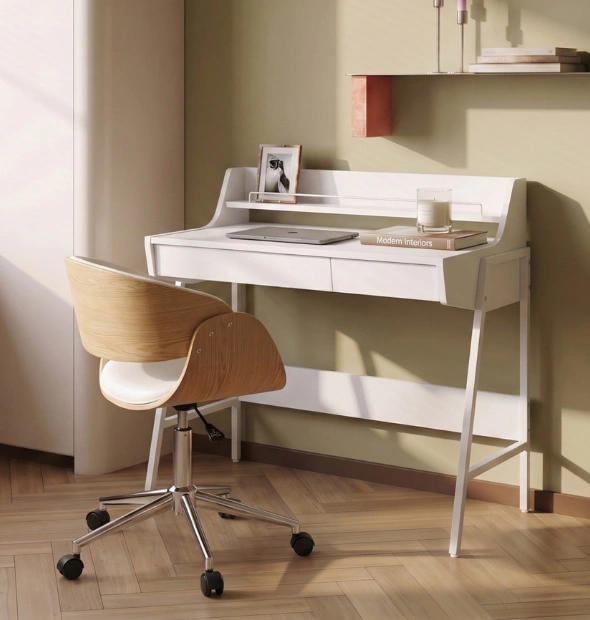
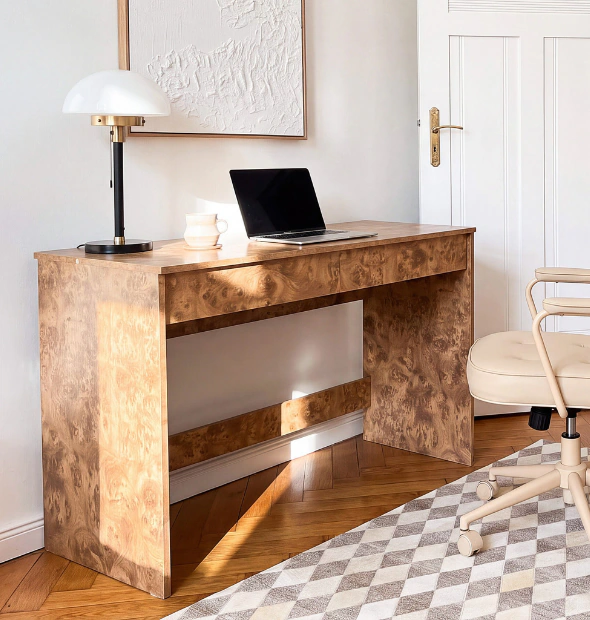
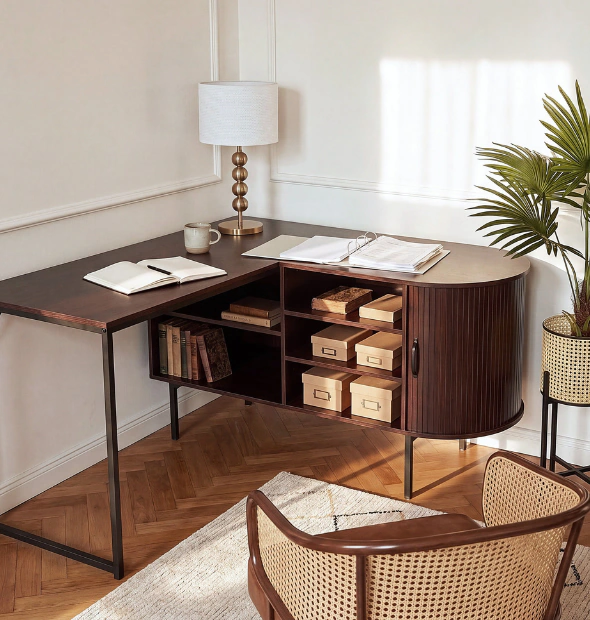
Shop now: products in the pictures
Size and height
- Size: a depth of at least 60 cm for a monitor setup (60-70 cm for one monitor, 70-80 cm for two), and a width of 120-140 cm for one monitor or 140-160 cm for two
- Height: standard desk height is 72-76 cm, and a height-adjustable desk suits anyone who wants to alternate between sitting and standing through the day
Types of desks for different spaces
- Straight desk: the simplest layout, and the easiest to fit into most rooms
- L-shaped or corner desk: makes use of a corner and gives extra surface for a second screen or paperwork
- Wall-mounted or fold-down desk: folds flat against the wall when not in use, suited to very small spaces
- Console or secretary desk: closes up to look like an ordinary piece of furniture when the day is done
- Extendable dining table: works for occasional use, though height and cable routing are rarely ideal for daily work
Legroom and the desk surface
Check for drawers, rails or crossbars underneath before buying, since these can restrict knee space more than the desk's overall dimensions suggest. A matte surface finish reduces glare from overhead lights and windows, and a desk mat protects the surface while adding a bit of comfort under the wrists.
What size desk do you need?
Use your screen setup as a starting point, then check the exact dimensions on the product page.
| Setup | Suggested desk width | Depth | Notes |
|---|---|---|---|
| Laptop only | 100-120 cm | 50-60 cm | Add a laptop stand and an external keyboard |
| Single monitor | 120-140 cm | 60-70 cm | The most common home setup |
| Dual monitors | 140-160 cm | 70-80 cm | Consider a monitor arm to free up space |
| Creative or paper-heavy work | 150 cm+ | 70-80 cm | Or an L-shaped desk |
| Very small space | 80-100 cm | 40-50 cm | Wall-mounted or fold-down |
Shop now: home office desks and adjustable desks
How do you choose an office chair?
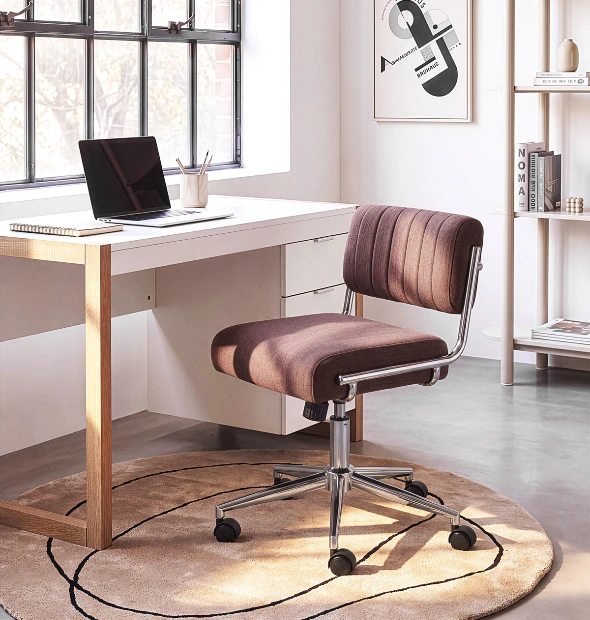
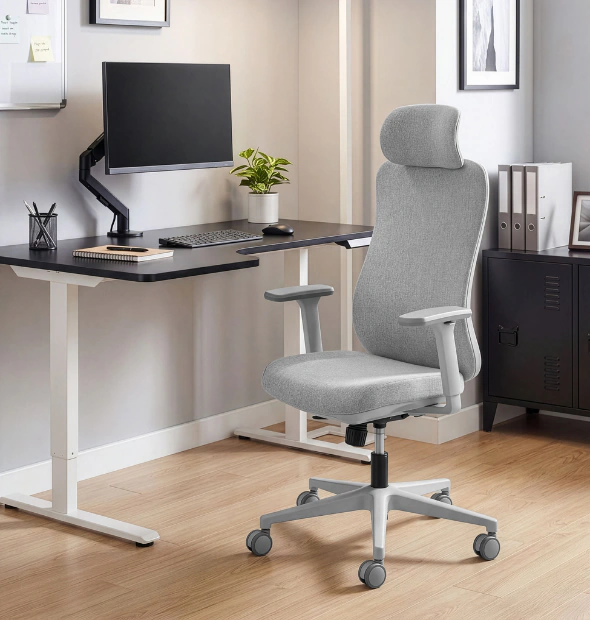
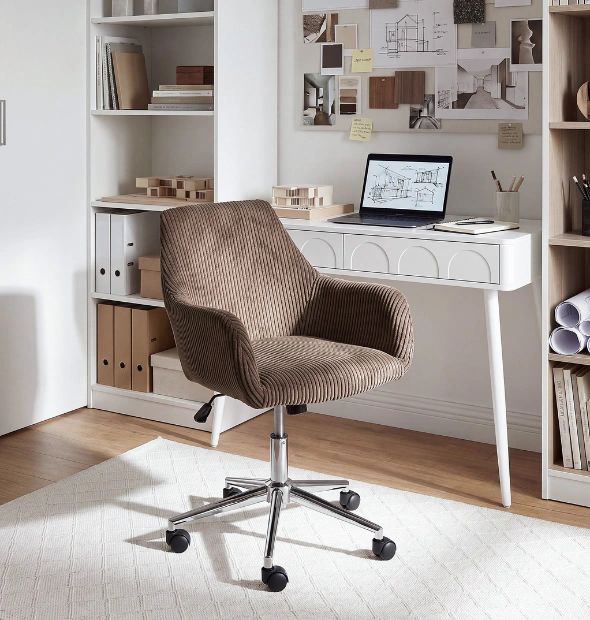
Shop now: products in the pictures
What to look for
Adjustable seat height, lumbar support and armrests matter most for daily comfort.
- Seat height adjustment: lets you set the seat so your feet rest flat on the floor
- Lumbar support: designed to encourage a more supported, upright posture
- Adjustable armrests: designed to support your shoulders and forearms at the keyboard
Size and fit
- Desk match: most fixed desks sit between 72 cm and 76 cm, so check the seat height range reaches that comfortably, and choose a wide range for a height-adjustable desk
- Armrests: make sure they slide under the desktop, or choose removable or height-adjustable ones
- Space to move: leave around 1 metre of clear floor around the desk so the chair can roll and swivel
Use your height as a starting point.
| User height | Seat height range | Notes |
|---|---|---|
| Under 160 cm | 38-48 cm | Check that your feet reach the floor |
| 160-185 cm | 42-52 cm | Fits most standard office chairs |
| 185 cm and over | 46-58 cm | Look for an extended gas lift |
| Heavy-duty (120 kg+) | Varies by model | Check the rated weight capacity |
Upholstery
- Mesh: breathable and supportive, so it stays cool over long sessions
- Fabric: soft and warm, but harder to clean after spills
- PU or faux leather: easy to wipe clean, though it feels warmer to sit on
- Genuine leather: durable and premium, but it costs more and needs regular care
Dining chairs and wobble stools
- Dining chair: fine for short sessions, but not for full working days
- Wobble stool: worth considering as an optional extra for short bursts of active sitting between longer spells in the main chair
Shop now: office chairs
Read more: choosing the right office chair and how wobble stools work
How do you set up your desk ergonomically?
Once the desk and chair are in place, work through these points in order. This is the section worth bookmarking.
Chair height
Feet flat on the floor, knees at roughly 90 degrees.
Desk height
Elbows at roughly 90 degrees, with relaxed shoulders.
Monitor
Top of the screen at or slightly below eye level, about an arm's length away.
Laptop users
Use a stand plus a separate keyboard and mouse. A laptop flat on the desk forces either the neck or the wrists into a poor position.
Keyboard and mouse
Keep them close to the body, with wrists in a neutral position.
Breaks
Change position regularly, and consider the 20-20-20 habit: every 20 minutes, look at something 20 feet, or about 6 metres, away for 20 seconds.
How do you keep a home office organised?
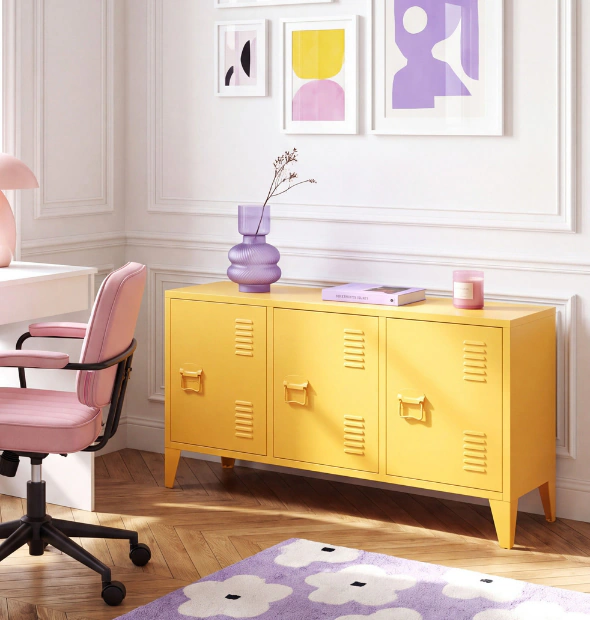
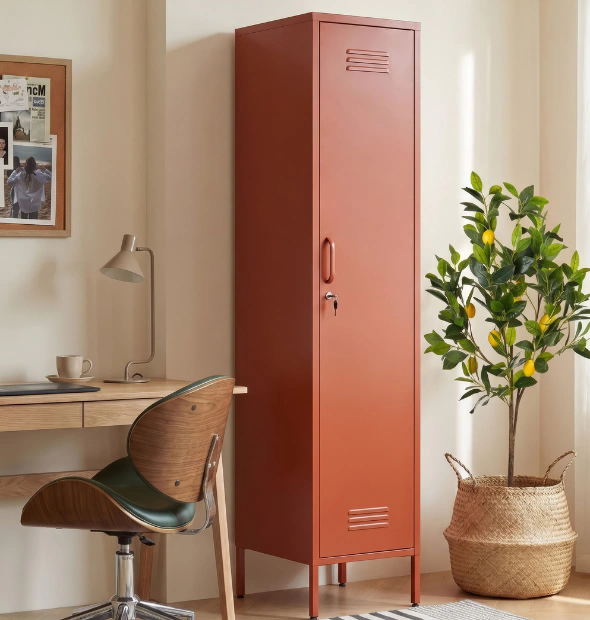
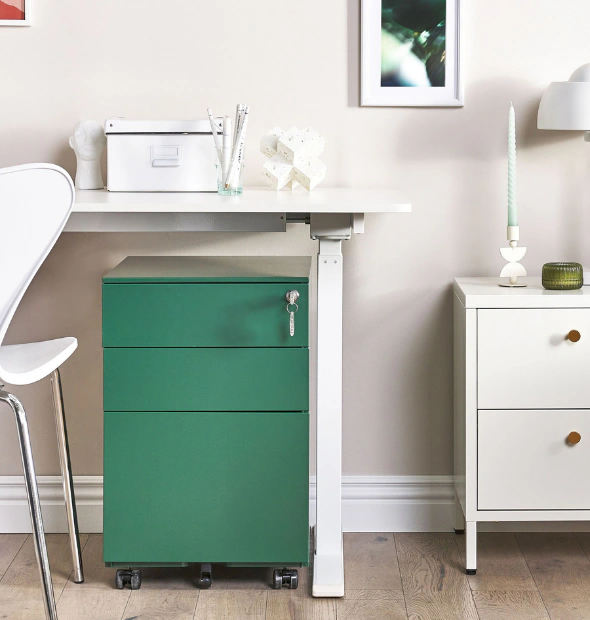
Shop now: products in the pictures
What to look for in office storage
Good storage keeps a small working space from feeling cramped, especially when the desk shares a room with the rest of the household.
- Vertical storage first: wall shelves, pegboards and tall bookcases save desk and floor space
- Drawers and filing: a small drawer unit under or beside the desk for papers and supplies
- Closed storage: cabinets, boxes or a sideboard hide clutter in a shared living space
- Desk organisers: trays, pen pots and a monitor riser create a second level on the desk itself
- "Closing the office": a cabinet desk or dedicated storage piece lets you hide the work away at the end of the day
Shop now: bookcases and office cabinets
How do you manage noise and privacy in a home office?
An open-plan home office picks up more noise than a closed study, so a few soft materials and a bit of separation go a long way.
- Soft surfaces absorb echo: rugs, curtains, upholstered pieces and bookcases all help
- Felt panels or a desk divider add visual and acoustic separation right at the desk
- A room divider or screen defines a work zone in an open-plan space
- Headphones help with concentration, though they don't replace a well-planned layout
Good to know
Soft furnishings and dividers reduce echo in a room. They don't soundproof it, so don't expect a rug or a screen to block sound from the next room over.
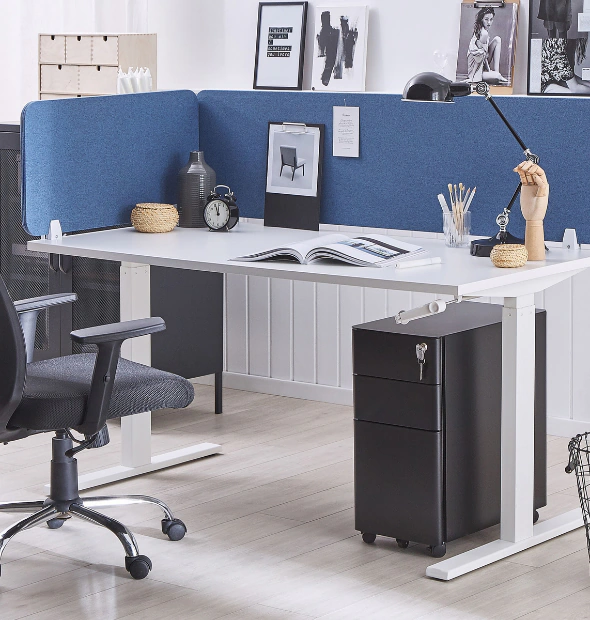
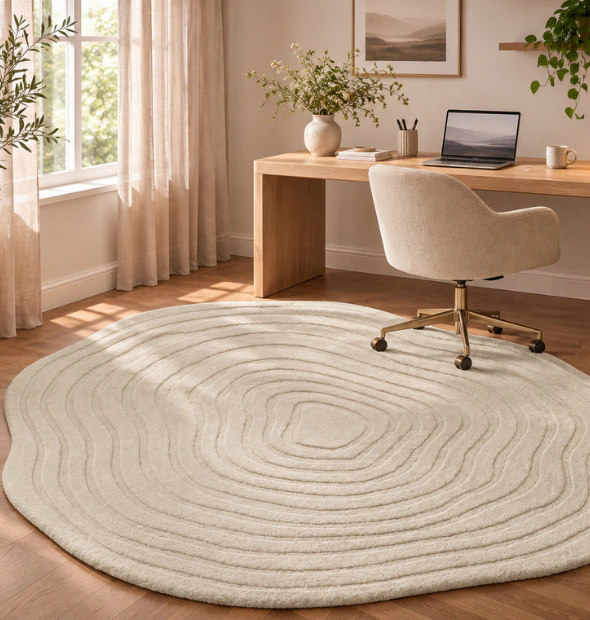
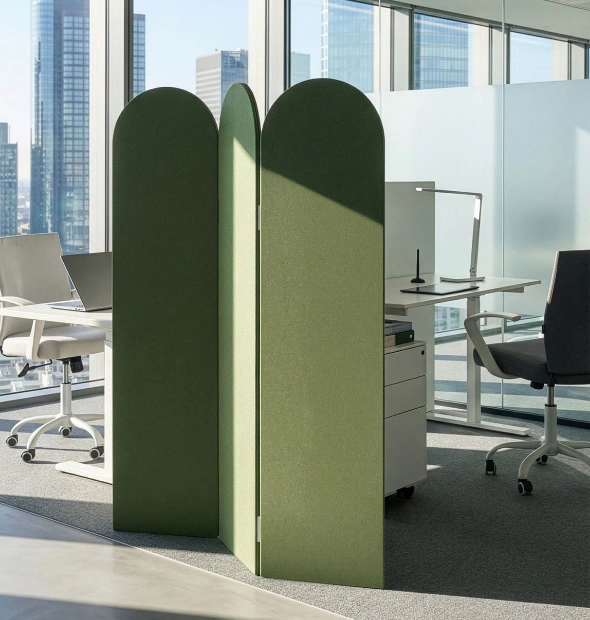
Shop now: products in the pictures
Read more: maximise your workspace with desk dividers
How do you make a home office feel good to work in?
The last details are about comfort, not function, but they change how the space feels after a few hours at the desk.
- Plants soften the space and are common on video-call backgrounds
- Colour: calm, muted tones or a single accent colour, kept consistent with the rest of the home
- Personal touches: art, a pinboard or a small shelf of favourite objects
- Keep the desk surface minimal, with only what you use daily
- Comfort extras: a footrest, a desk mat and a small rug
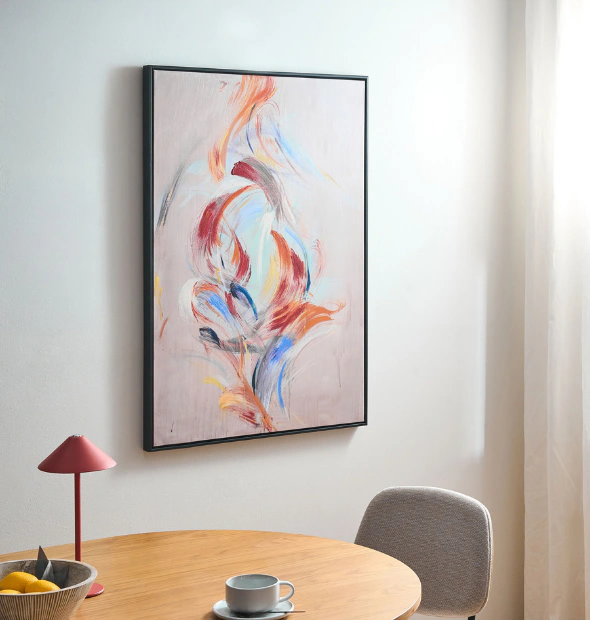


Shop now: products in the pictures
What to check before you buy
Work through these points before you order anything for the space.
- Measure the Wi-Fi signal at the exact spot, not just the room in general
- Check the desk depth and width against your setup using the desk size table above
- Confirm legroom under the desk with any drawers, rails or crossbars in place
- Test the chair's seat height, lumbar support and armrests before buying
- Set the monitor height and distance once the desk and chair are positioned
- Add a rug or curtains if the room echoes more than you'd like
- Check what's visible behind you on camera for video calls
Frequently asked questions
Why do my video calls keep lagging even though my broadband is fast?
Wi-Fi signal weakens with distance and walls, so a desk far from the router often causes more lag than the broadband speed itself. Moving closer to the router, adding a mesh extender or powerline adapter, or connecting the desk to the router with an Ethernet cable usually fixes it.
Can I set up a home office in my bedroom without it affecting my sleep?
Keep the desk out of your direct eyeline from the bed and close it off visually at the end of the day, for example with a screen, a curtain or by simply shutting a laptop and clearing the surface. A dedicated zone, even a small one, helps your brain separate work from rest in a room that's also used for sleeping.
Is it practical to use a dining table as a desk?
An extendable dining table works for occasional home office use, since you can fold it away when you need the table back. It's less practical for daily use because the height is usually fixed and too low for typing comfortably, and there's nowhere to route cables.
Is a monitor arm worth adding to a home office desk?
A monitor arm is worth it once you're using two screens or a desk under about 140 cm wide, since it frees up surface space and lets you set the screen height and distance precisely. For a single monitor on a larger desk, a monitor riser is usually enough.
What's a "cloffice" and is it actually practical?
A cloffice is a wardrobe converted into a small, closed-off desk space, useful when there's no other free corner in the home. Check that the space has ventilation and a power socket nearby, since a closed wardrobe can get warm and cramped for a full working day.